 Playwatch
Français
Open the web app →
Playwatch
Français
Open the web app →
The TV Time alternative that brings your history back
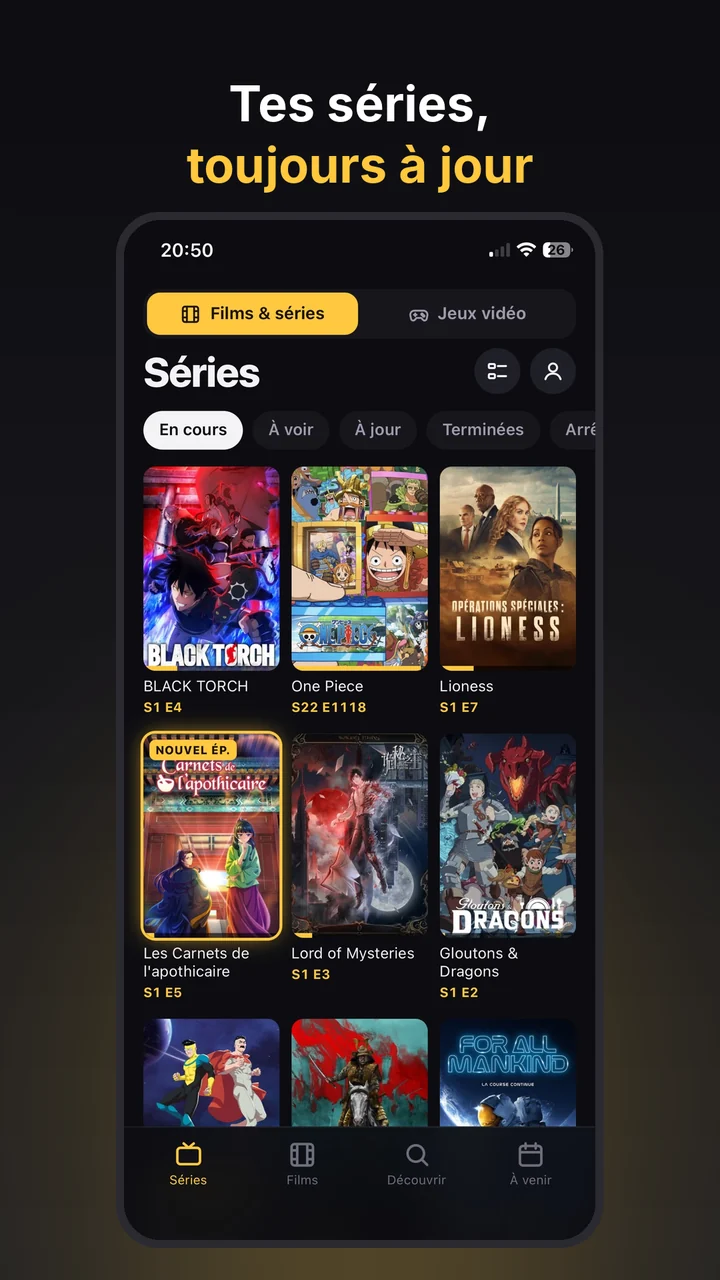
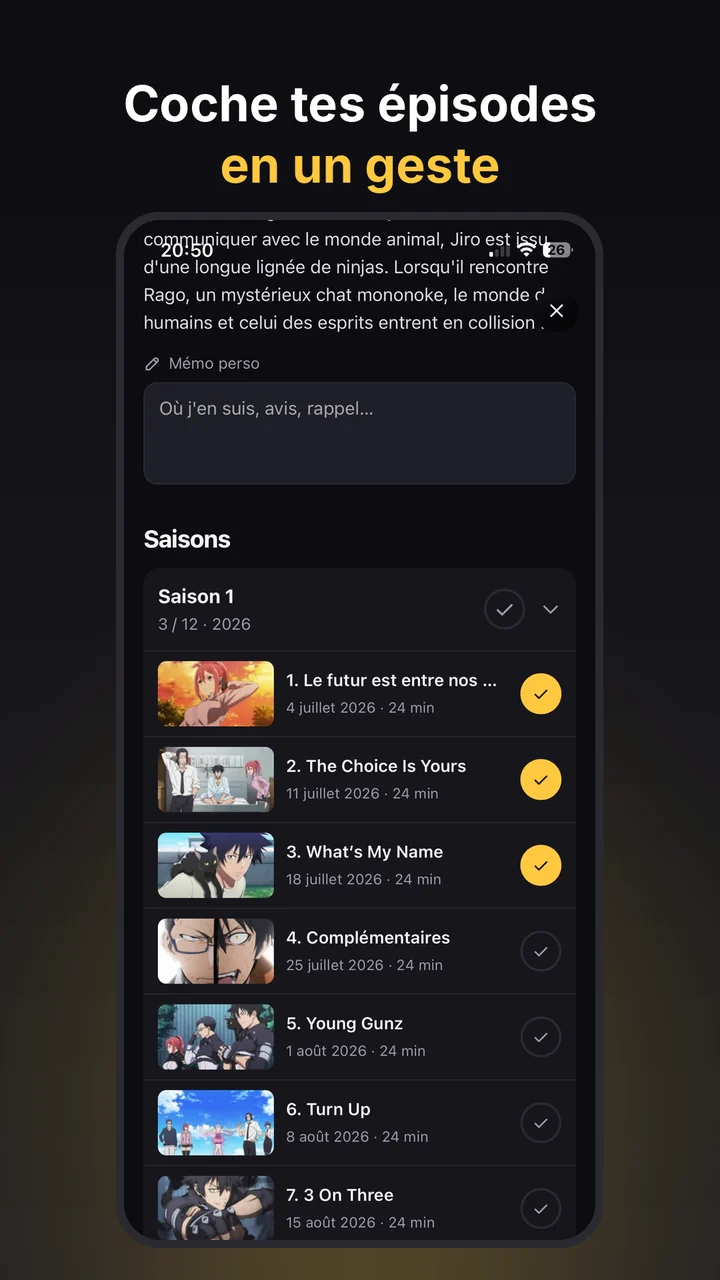
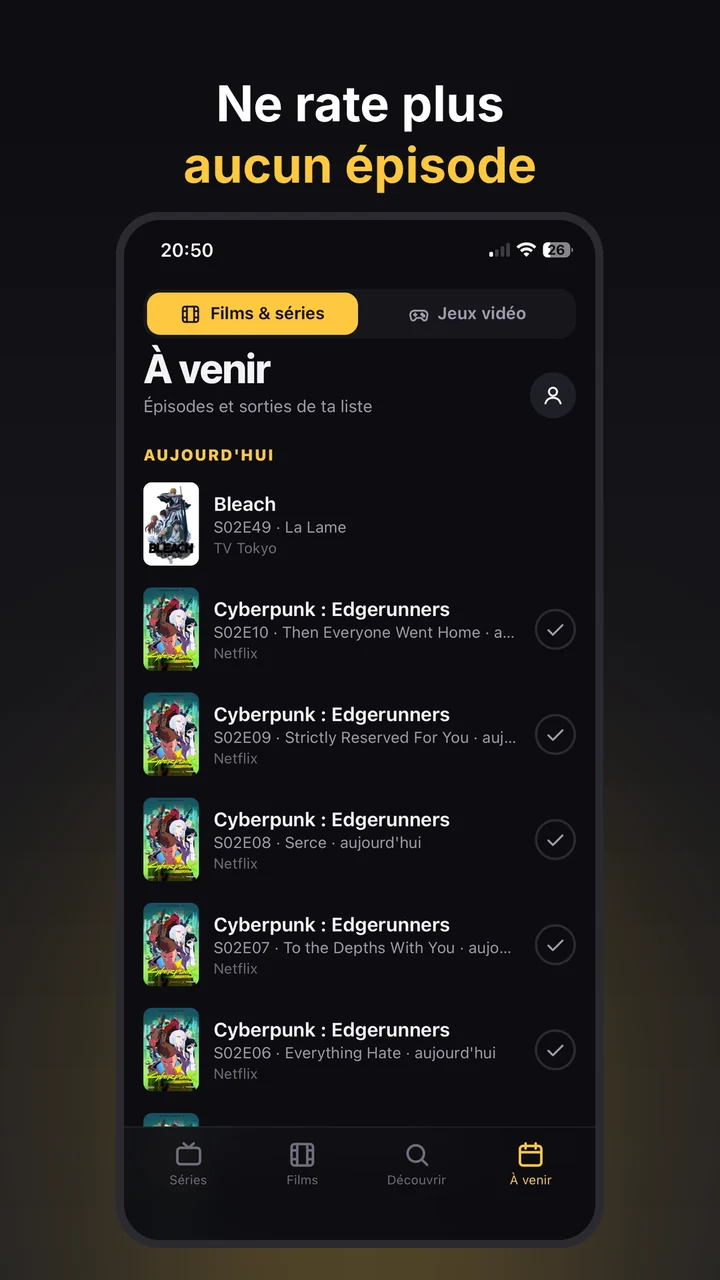
Playwatch imports your TV Time export: followed shows, watched episodes and movies come back in minutes. You get your watchlist, your next episodes and a notification for every new release.
Free, no ads, data hosted in Europe. Android first, iPhone next.
Import your TV Time history
Did you request your data export from TV Time before it shut down (the .zip file sent by email)? Playwatch reads it directly.
- Install PlaywatchFrom Google Play, then create your account with Google or your email.
- Open the importProfile → Settings → “Import my history”.
- Pick your exportThe TV Time .zip as is, or the .csv files inside it.
- You're all setShows, watched episodes and movies are recreated with their posters and next episodes.
Import is part of Playwatch Premium (a one-time €1.99). Playwatch also reads Binge Boxd exports.
Everything you had on TV Time
Plus a few extras you didn't have.
Screenshots
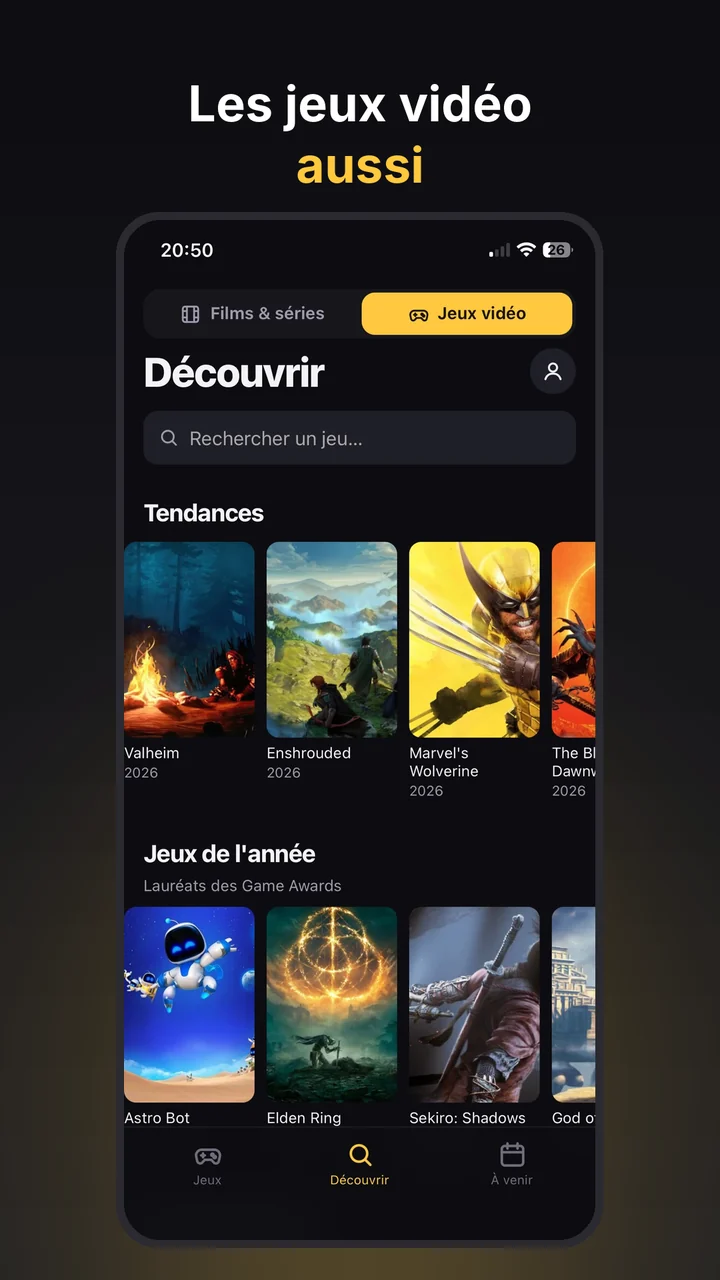
Free, with lifetime Premium
No subscription, no ads.
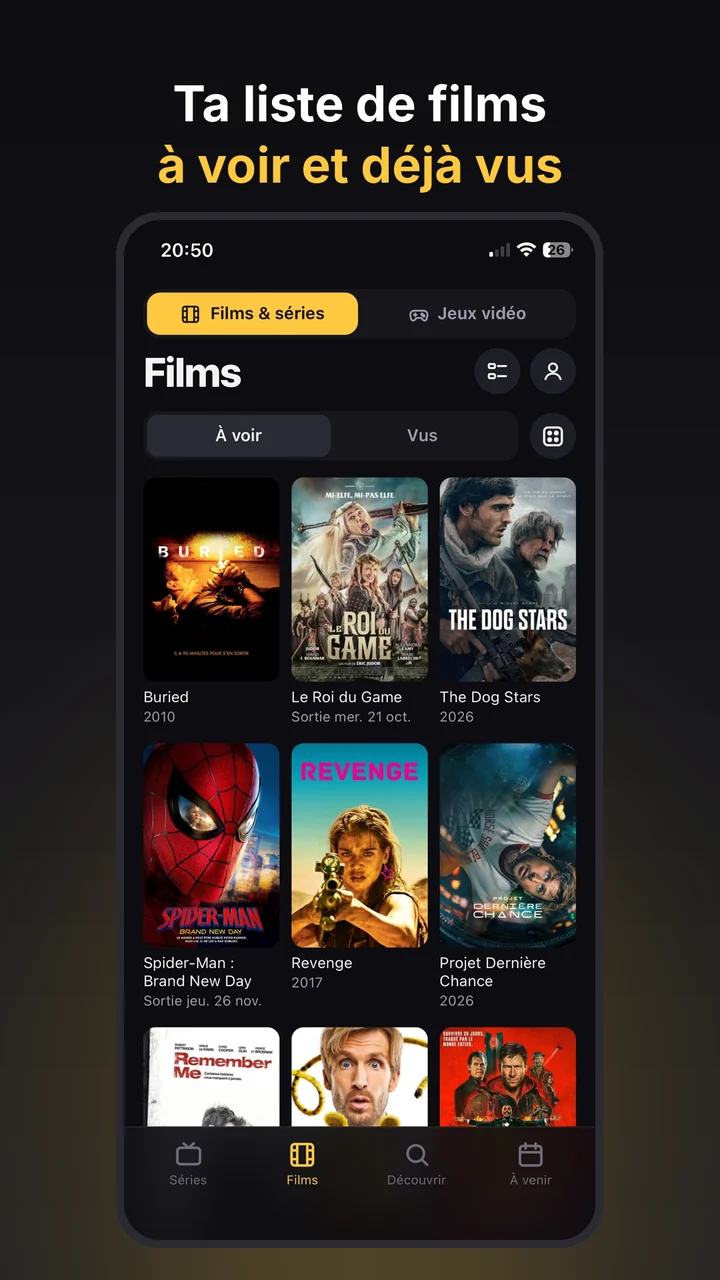
- Unlimited shows, movies and games
- Watched episodes, next episodes, “Upcoming”
- Latest anime, show and movie releases
- Spoiler-free mode and stats
- Sync across your devices
- Import your TV Time history
- New-episode and release notifications
- Advanced stats and a shareable year in review
- Subscribable calendar
- Themes and colors
On Google Play, the price is shown in your local currency.
FAQ
I didn't get my TV Time export before it shut down. What can I do?
Without the export, your TV Time data can no longer be accessed. In Playwatch, add your shows and use “Watched up to here” on the last episode you saw: all previous episodes are checked at once.
Which files from the TV Time export are supported?
The full .zip file, as sent by TV Time, or the .csv files inside it. Playwatch recognizes the different versions of the export.
Is Playwatch free?
Yes: tracking shows, movies and games is free and ad-free. Premium is a one-time €1.99, with no subscription, and adds history import, notifications, advanced stats, the subscribable calendar and themes.
Is the app in English?
Yes. Playwatch follows your phone's language (English or French), and release dates and streaming services follow your country.
Where is my data stored?
In the European Union (Google Firebase, Paris region). No ads, no analytics, no data resale. You can export your data or delete your account at any time. Privacy Policy.
What about iPhone?
Playwatch is coming to Android first, on Google Play. The iPhone version will follow.
Pick up your shows where you left off
Import your TV Time history and never miss an episode again.